01
What it is
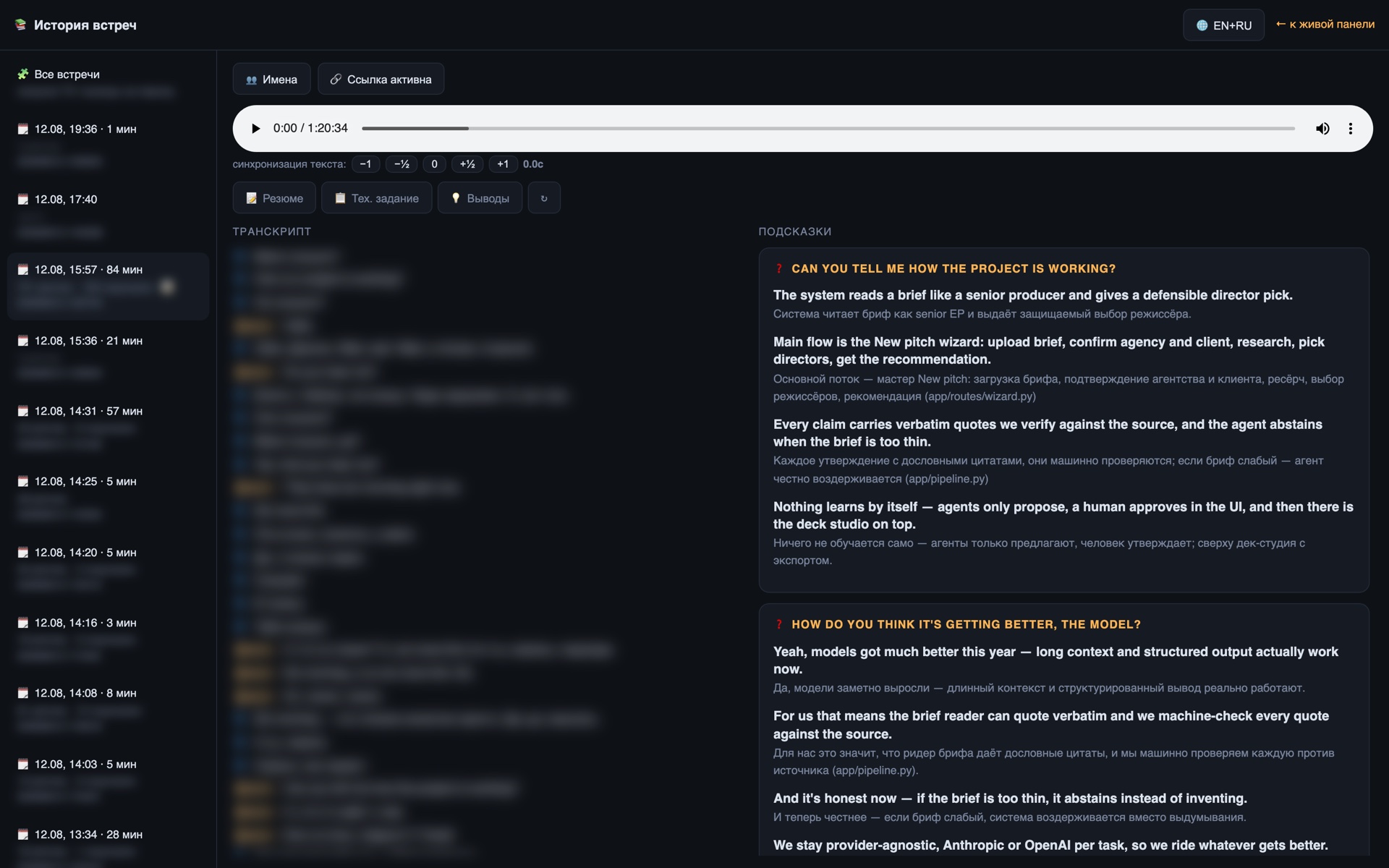
On a technical call, questions arrive without warning: “how does your auth work?”, “how long would integrating their API take?”. The answer is in the code, but nobody goes looking during a conversation. MeetCopilot does it for you: it hears the question, finds the answer in the repository and shows it on your second screen while you are still forming the first sentence.
The mechanism has two stages. A fast model acts as a filter, separating a genuine question aimed at you from “hi” and “can you hear me?”.
Only then does the strong model engage — with a project map in its cached system prompt and two tools for reading files and searching the code.
02
capabilities
What it does
01
Live call transcript
Audio streams from the Mac to the server; real-time transcription with speaker separation. The panel shows the conversation as it happens.
02
Question detector
A fast model filters the stream: small talk is dropped, a real project question is passed on. That saves both latency and money.
03
Answers with the code in hand
The strong model holds a project map and two tools — read file and search repo. At most three tool rounds, so the answer is not late.
04
Cached system prompt
The project map goes into the prompt with caching: repeat questions cost a fraction and come back faster.
05
Streamed answers
Text appears as it is generated — you can start reading from the first line instead of waiting for the whole reply.
06
Long sessions
The connection holds for hours: proxy timeouts were raised specifically to cover a real meeting’s length.
03
architecture
How it works
01
Audio capture on the Mac
02
Real-time transcription
03
Question detector
04
Search across project code
05
Suggestion on the panel
Under the hood
- A FastAPI server with a WebSocket hub: one meeting, one state, and several panels can watch at once.
- The macOS capture client installs with a single script.
- Transcription via Deepgram with configured language and project key terms.
- The project map is built by a separate script from a local copy of the repository.
- It listens only on the local interface; the outside world reaches it through nginx with a panel access token.
- Connection timeouts raised to an hour, because a meeting does not fit into the default sixty seconds.
04
scale
Numbers
2
models: filter and answer
3
tool rounds maximum
~0.1×
cost of a repeat question via caching
60 min
session hold